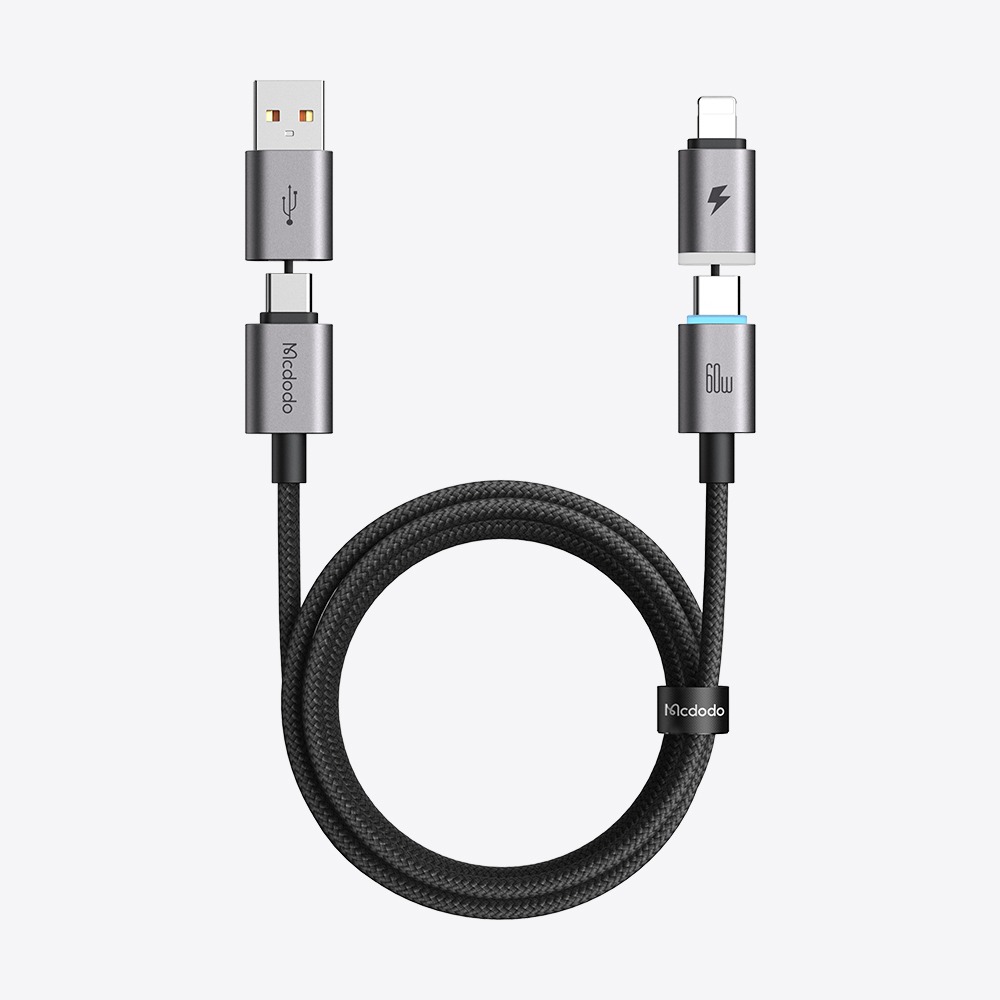
Charging speed depends on the device, charger, and cable. If your phone supports up to 30W, a 100W or 240W cable won’t make it charge faster.
For the best charging performance, make sure your device, charger, and cable support the same charging power and protocol.
3. Is it safe to use a laptop cable with my phone?关闭
Yes. Using a higher-wattage cable will not damage your phone, as long as the cable and charger are compatible with your device and meet the relevant safety standards.
Your phone will only draw the power it supports, regardless of the cable’s maximum rated wattage.
4. What cable wattage do I need? What’s the difference between 60W, 100W, and 240W?关闭
A cable’s rated wattage indicates the maximum power it can support.
60W: Suitable for smartphones, tablets, and some laptops.
100W: Suitable for most laptops and other higher-power devices.
240W: Designed for devices that support ultra-high-power charging.
Choose a cable based on your device’s charging requirements. A higher-wattage cable does not necessarily mean faster charging.
5. What devices and fast-charging protocols are supported by Mcdodo cables?关闭
Mcdodo cables support a wide range of smartphones, tablets, laptops, power banks, and other digital devices, with connectors including USB-C, Lightning, and Micro-USB. Supported charging power, data transfer speeds, and fast-charging protocols vary by model. Please check the product specifications for details.
6. Why does charging briefly pause and then resume when using multiple ports?关闭
This is normal behavior for multi-port chargers.
When a device is connected or removed, the charger may briefly adjust power distribution between ports to provide the optimal output for each device. Charging will automatically resume once the adjustment is complete.
7. Why does the power output change when multiple devices are connected?关闭
Multi-port chargers intelligently distribute power based on the connected devices and available output capacity.
When multiple devices charge simultaneously, the charger automatically adjusts power allocation to ensure stable and efficient charging.
8. Can I use a higher-wattage charger with my device?关闭
Yes. Modern devices automatically communicate with the charger and draw only the power they need. Using a higher-wattage charger will not damage your device, as long as the charger and cable are compatible.
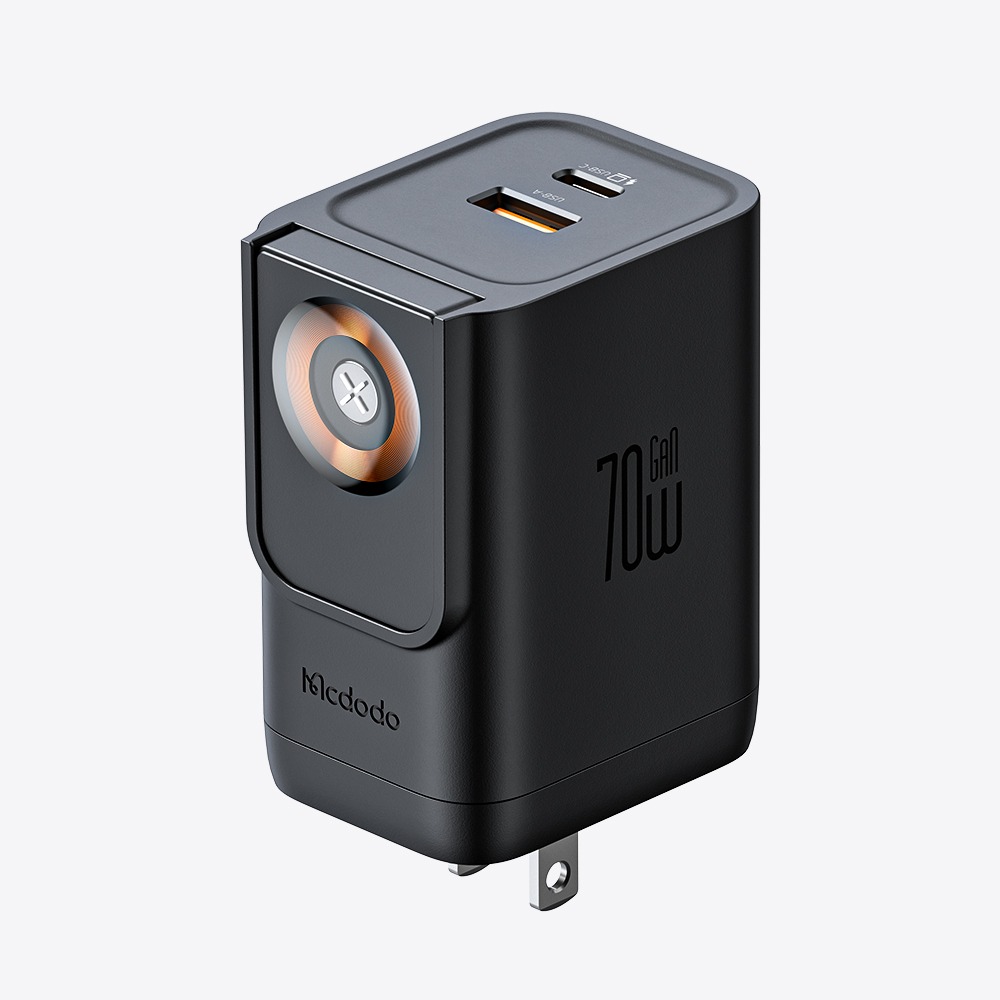
GaN (Gallium Nitride) technology improves charging efficiency and heat management, allowing chargers to deliver higher power in a smaller and more compact design.
10. Can I leave my charger plugged in all the time?关闭
The charger is designed for everyday use. However, unplugging it when not in use for extended periods can help reduce standby power consumption.
A slight increase in temperature is normal during charging.
Energy conversion naturally generates heat, especially during high-power fast charging. If you notice unusual heat, odor, or physical damage, stop using the charger immediately.
12. Why is my charger not working when connected?关闭
Try the following steps:
Check that the charger is properly connected to the power outlet.
Make sure the cable is securely connected and try another cable if needed.
Test with another device to check compatibility.
Unplug the charger, wait a few seconds, and reconnect it.
13. Can a GaN charger charge laptops, tablets, and phones?关闭
Yes, if the charger supports the required power output and charging protocols.
For the best performance, use a compatible USB-C cable and make sure your device supports USB-C Power Delivery (PD) charging.
14. What makes this semi-solid-state power bank different from a traditional power bank?关闭
Unlike traditional lithium battery power banks, this product uses semi-solid-state battery technology designed to improve battery stability, thermal performance, and overall reliability.
It delivers a safer and more dependable charging experience while maintaining high energy density.
15. Is this semi-solid-state power bank safer than a regular power bank?关闭
Semi-solid-state battery technology improves internal stability and helps reduce safety risks under abnormal conditions.
Together with intelligent BMS and multiple protection systems, it provides enhanced safety during daily use.
Yes. Charging speed depends on the supported output power, charging protocols, cable, and connected devices.
With compatible devices and cables, it supports fast charging performance for everyday smartphones, tablets, and other devices.
17. Will fast charging damage my phone or the power bank?关闭
No. The built-in intelligent power management system monitors charging conditions and adjusts power output to help provide safe and stable charging.
18. Does the semi-solid-state battery last longer?关闭
Semi-solid-state technology helps improve battery stability over time.
Actual battery lifespan also depends on usage habits, charging conditions, temperature, and storage environment.
19. Does the power bank get hot during charging?关闭
A slight temperature increase during charging is normal.
During high-power output, fast charging, or wireless charging, the power bank may become warm. Its thermal management system helps maintain stable performance.
Yes. Its compact design makes it suitable for daily commuting and travel.
Please always check your airline’s requirements before flying, as regulations may vary by region and airline.
21. Why won't the power bank charge my phone when connected?关闭
Make sure the power bank has enough battery and the cable is properly connected. If it still doesn't work, try a different cable or device. Some devices may require you to reconnect the cable or activate output manually.
22. Why does the power bank take a long time to recharge?关闭
Recharging speed depends on the input power, charger, and cable specifications. For faster charging, use a charger and cable that support the required fast charging protocol.
23. Why does my power bank charge my phone fewer times than expected?关闭
The rated capacity refers to the internal battery capacity. During charging, some energy is lost during voltage conversion, so the actual number of charges may vary depending on your phone's battery capacity, charging efficiency, and usage condition
24. Can the power bank charge itself and my phone at the same time?关闭
Some models support pass-through charging. Please refer to the product specifications for details. For the best charging performance, we recommend fully charging the power bank before charging other devices.
25. Is it normal for the power bank to get warm while charging?关闭
It is normal for a power bank to generate some heat during charging, especially during fast charging. If you notice excessive heat, unusual odors, or deformation, stop using it immediately.
26. Does using a phone case affect magnetic charging?关闭
The material and thickness of your phone case may affect magnetic adhesion. We recommend using a MagSafe-compatible case for a more secure attachment and a better wireless charging experience.
27. Can I use a magnetic power bank with a phone that does not support MagSafe?关闭
Yes. Phones that support wireless charging can use magnetic charging with a compatible magnetic ring accessory. Phones without wireless charging support can still be charged via the USB port.
Mcdodo power banks are compatible with most USB-C devices, including iPhones, Android phones, and tablets. Fast charging performance depends on your device's supported charging protocols and power requirements.
29. How should I store the power bank if I won't be using it for a long time?关闭
We recommend storing it at approximately 50% charge and checking the battery level every 3 months. Avoid letting it fully discharge over extended periods to maintain optimal battery health.
Power banks with USB-C PD output can charge compatible laptops that support USB-C charging. Charging performance depends on the laptop's power requirements, supported protocols, and the cable used.
· 45W+: Some tablets and lightweight devices
· 65W+: Many thin-and-light laptops
· 100W+: Higher-power laptops
31. Why does the power bank stop charging automatically?关闭
The power bank is equipped with smart protection features. It may automatically stop output when the device is fully charged, the connection is unstable, or protection is triggered due to abnormal conditions. Reconnect the device or try a different cable to resume charging.
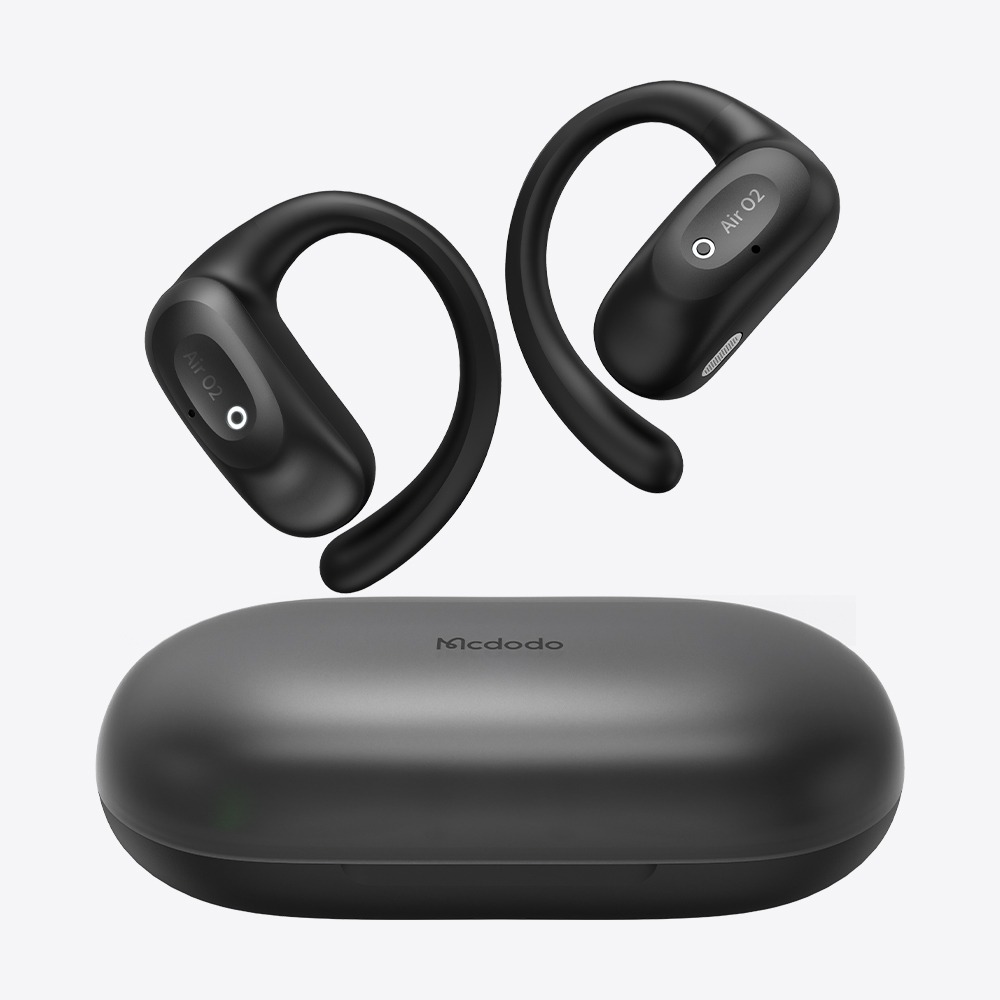
32. How do I pair the earbuds for the first time?关闭
1.Open the charging case and remove both earbuds. They will enter pairing mode automatically.
2.Enable Bluetooth on your device and select “Mcdodo-XXX” to connect.
3.After the first pairing, the earbuds will automatically reconnect when removed from the case. Tip: If the earbuds do not appear in the Bluetooth list, place them back in the case and try again.
33. What should I do if my earbuds won’t connect to my device?关闭
Try the following steps:
1. Make sure the earbuds have enough battery power and are in pairing mode.
2. Turn off Bluetooth on your phone, then turn it back on.
3. Forget ‘Mcdodo’ from your phone’s Bluetooth device list.
4. Place the earbuds back in the charging case, remove them again, and retry the connection.
5. Check that the earbuds are not connected to another device.
34. What should I do if only one earbud has sound?关闭
The earbuds may need to be resynced. Follow these steps:
1. Ensure both earbuds have enough battery power..
2. Place both earbuds in the charging case, close the lid for 5 seconds, then remove them.
3.Forget “Mcdodo” from your Bluetooth settings and reconnect.
35. What should I do if the connection is unstable or the audio keeps cutting out?关闭
Bluetooth performance may be affected by your surroundings. Try the following steps:
1.Keep the earbuds within 10 meters (33 feet) of your device, with as few obstacles as possible.
2.Move away from potential sources of wireless interference, such as Wi-Fi routers or microwave ovens.
3.Avoid placing your phone in a backpack or behind your body, as this may affect the Bluetooth signal.
4.Forget the earbuds from your Bluetooth settings and reconnect.
5.Make sure both the earbuds and your phone have enough battery power.
36. What devices are the earbuds compatible with?关闭
Mcdodo wireless earbuds are compatible with most Bluetooth-enabled devices, including: -iOS devices (iPhone, iPad) -Android phones and tablets -Windows PCs -Mac computers Note: Available features may vary by device model and operating system.
Yes. Either the left or right Mcdodo earbud can be used independently.
38. Do the earbuds support dual-device connection?关闭
Select Mcdodo earbud models support multipoint connection, allowing you to connect two Bluetooth devices simultaneously and switch between them.
For specific compatibility, please refer to the product manual or official product page.
Try the following:
1. Make sure the microphone opening is not blocked by dust or debris.
2. Test call quality in a quiet environment.
3. Make sure your fingers are not covering the earbud's microphone.
4. Try turning Bluetooth off and back on.
5. Verify that "Mcdodo" is selected as the call audio output on your phone. Note: Certain models support ENC (Environmental Noise Cancellation) for enhanced call clarity.
40. What should I do if the earbuds won't charge?关闭
Try the following:
1.Make sure the charging case has enough battery power.
2.Check that the earbuds are properly placed in the charging case.
3.Clean the charging contacts on the earbuds and case.
4.Try using a different charging cable or power source.
5.Make sure the charging case indicator lights up when charging.
41. Why does my phone still show a Bluetooth connection after placing the earbuds back in the case?关闭
The earbuds should automatically turn off and disconnect from Bluetooth when placed in the charging case correctly.
If they remain connected, try the following:
1.Make sure the earbuds are properly placed in the charging case.
2.Clean the charging contacts.
3.Remove the Bluetooth pairing record and reconnect.
42. Are the earbuds waterproof? Can I wear them while exercising?关闭
Select Mcdodo wireless earbuds feature an IPX4 water resistance rating, protecting against sweat and light splashes. They are suitable for workouts and daily use, but not for swimming, showering, or prolonged water exposure.
For specific water resistance ratings, please refer to the product specifications.
43. Why do the left and right earbuds drain at different rates?关闭
A slight difference in battery consumption between the left and right earbuds is normal. Since one earbud may handle the main connection and data transmission, power usage can vary between the two sides. Battery life may also vary depending on volume, ANC mode, calls, and usage conditions.
We use cookies to enhance your browsing experience, serve personalized ads or content, and analyze our traffic.
By clicking "Accept All", you consent to our use of cookies. Cookie Policy